Dank Studio — DayZ Server Control Panel
A calm control surface for DayZ server operators: schedule events, shape player experiences and keep community tools close at hand.

Founder build · DayZ community system
A product study for the people who run a live server — separate from Neubor's trade-site demos.
A founder build, framed clearly
A control room for a live DayZ community.
What it is
One operator surface
A composed workspace for the live parts of a DayZ community: server controls, player context, blueprints and in-product help in one place.
Built for
People running the session
The information architecture is shaped around server operators who need the next useful control without leaving the live session or hunting through disconnected tools.
Inspect
A route through the product
Start with the branded opening, then follow the overview, community library and help surfaces below. Each capture shows a different part of the working product.
The screens below are a guided product walkthrough, not a client-results claim. Open the live build when you want to test the route yourself.
Open DANK StudioDank Studio brings the operational parts of a live DayZ community into one composed workspace. Operators can schedule airdrops, shape NPCs and loadouts, browse community blueprints, manage players, run console commands and reach help without jumping between disconnected tools. Built with React and TypeScript, it is designed around the pressure of a live session: clear priorities, quick context and a surface that feels like a product rather than a collection of admin screens.
Operator view
Control the whole session from one calm surface.
The screens below are evidence of the working product: the branded opening sets the direction, then the live overview, community library and in-product help show how the system behaves when an operator needs to move quickly.
What the community says
“Managing a DayZ server used to mean a mess of spreadsheets and manual spawns. Dank Studio changed everything. NPC builds, airdrop scheduling, loadout presets — all in one dashboard. Saves hours every session.”
Build notes
What the product is proving
A closer look at the decisions behind the surfaces — without dressing a founder build up as client work.
Context
Quick context sits beside the controls that need it.
Continuity
The operator can move through tools without losing the session.
Clarity
Each surface has a job, so the interface reads as one product.
Product walkthrough
Follow the operator journey
Six current DANK Studio surfaces, ordered from orientation to in-product help.
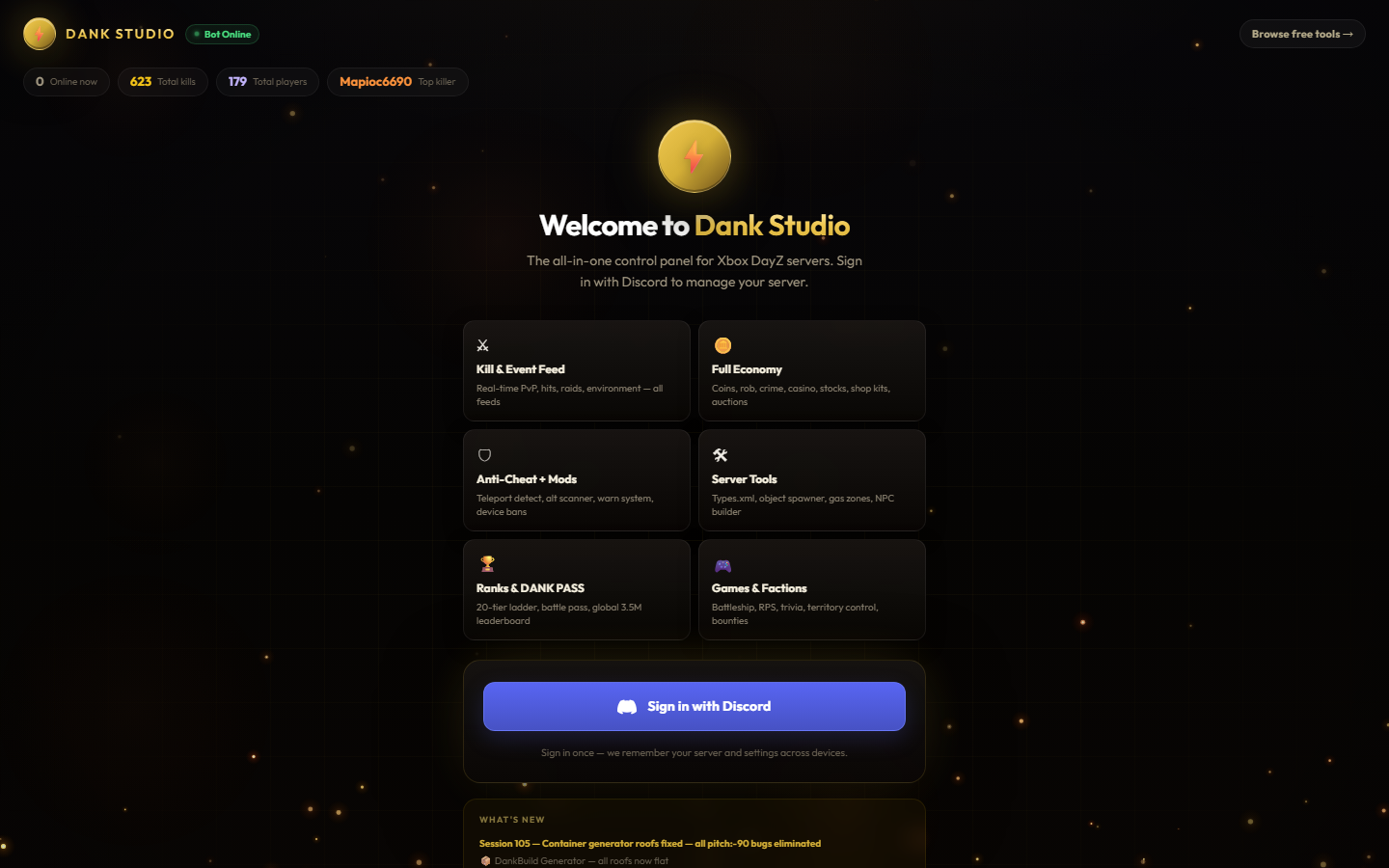
01 · Orient
The operator welcome
The authored opening establishes DANK Studio, the DayZ server context and the main areas an operator can reach.
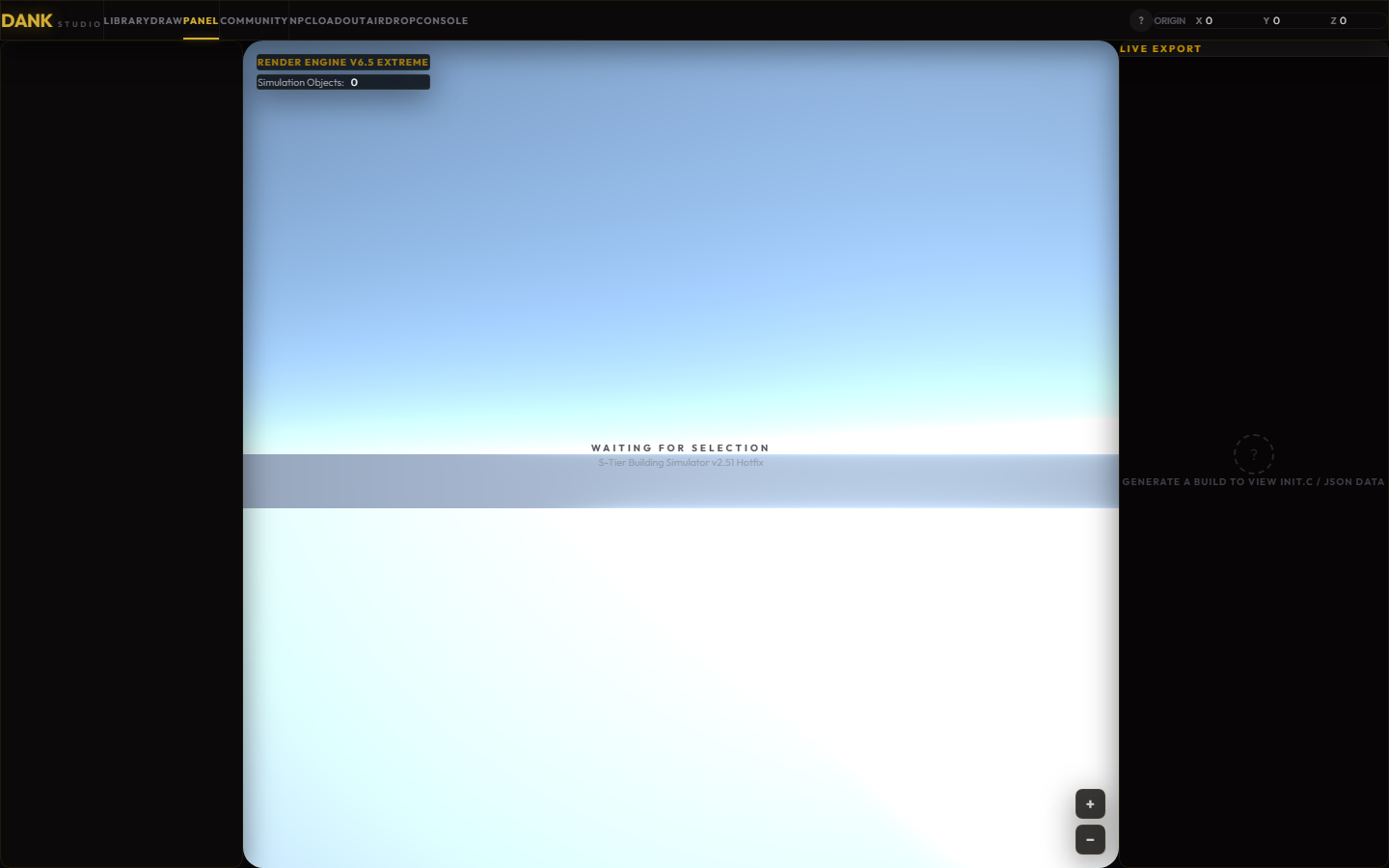
02 · Operate
The live control surface
The overview keeps the active session, tools and next actions together instead of scattering them across admin screens.
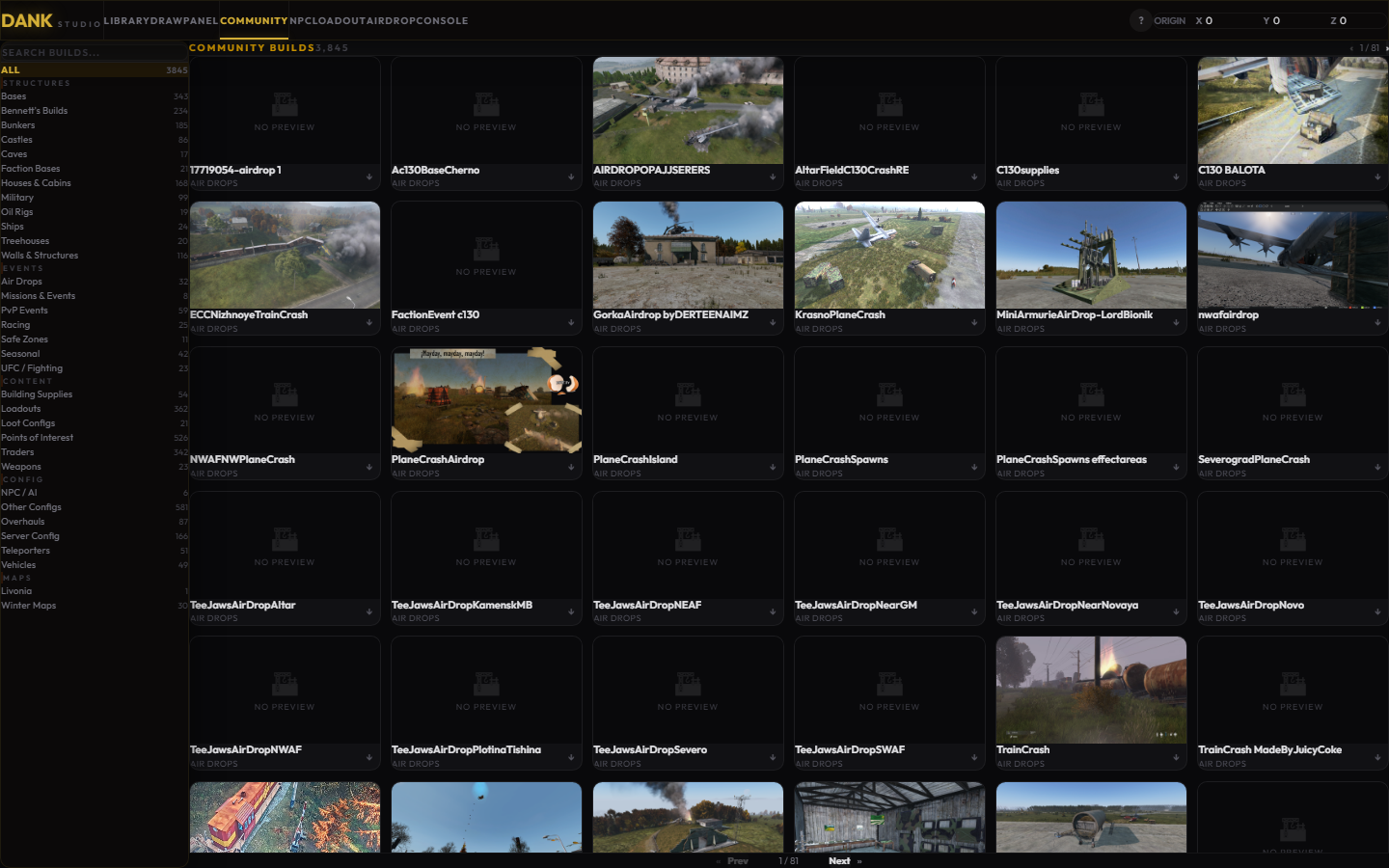
03 · Reuse
The community library
Browseable blueprints turn repeatable community content into a surface an operator can inspect and reuse.
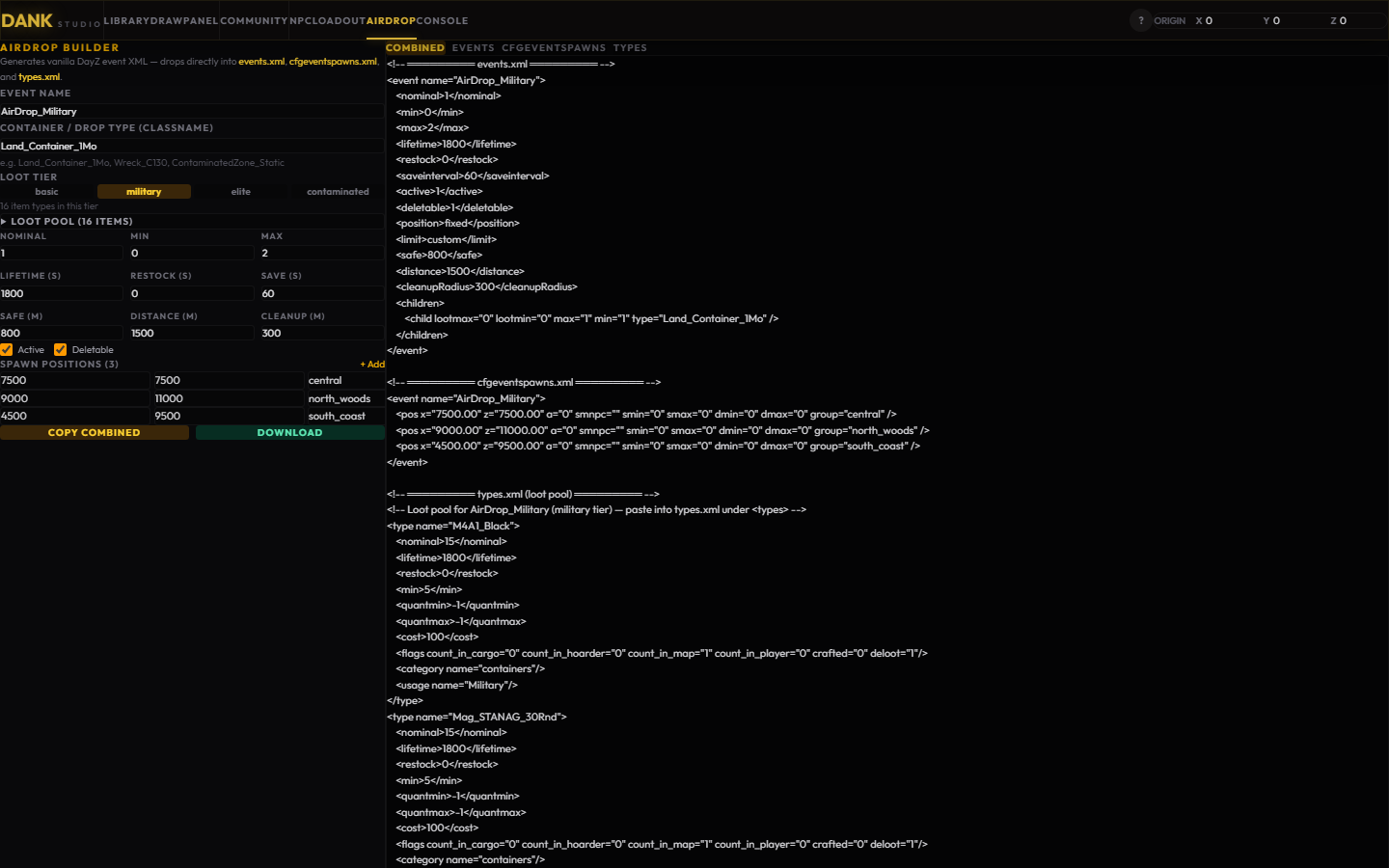
04 · Prepare
Airdrop planning
The airdrop surface shows how an operator moves from an event idea to the controls needed to configure it.
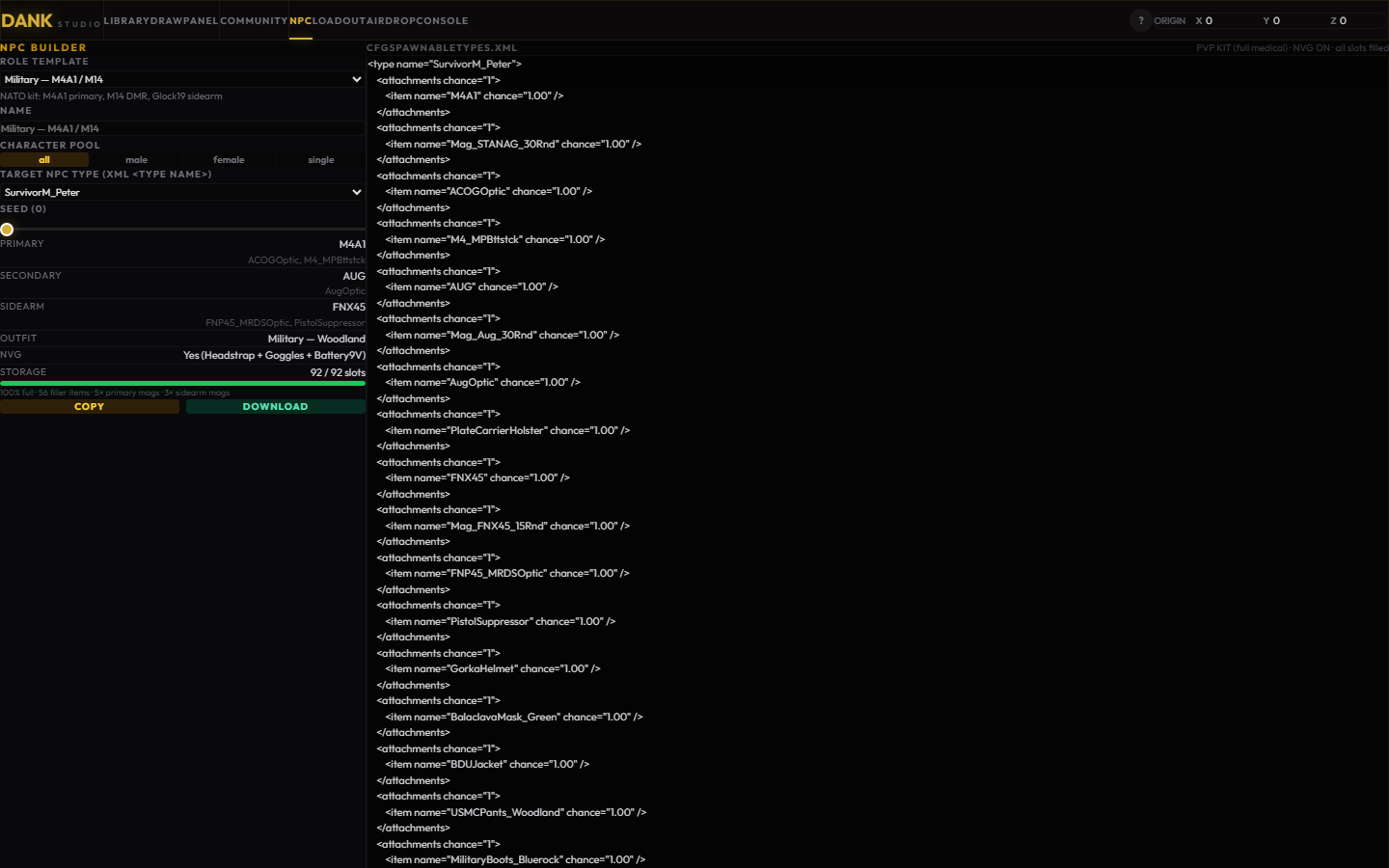
05 · Shape
World-building tools
NPC, loadout and panel tools keep the building blocks of a server experience close to the same workspace.
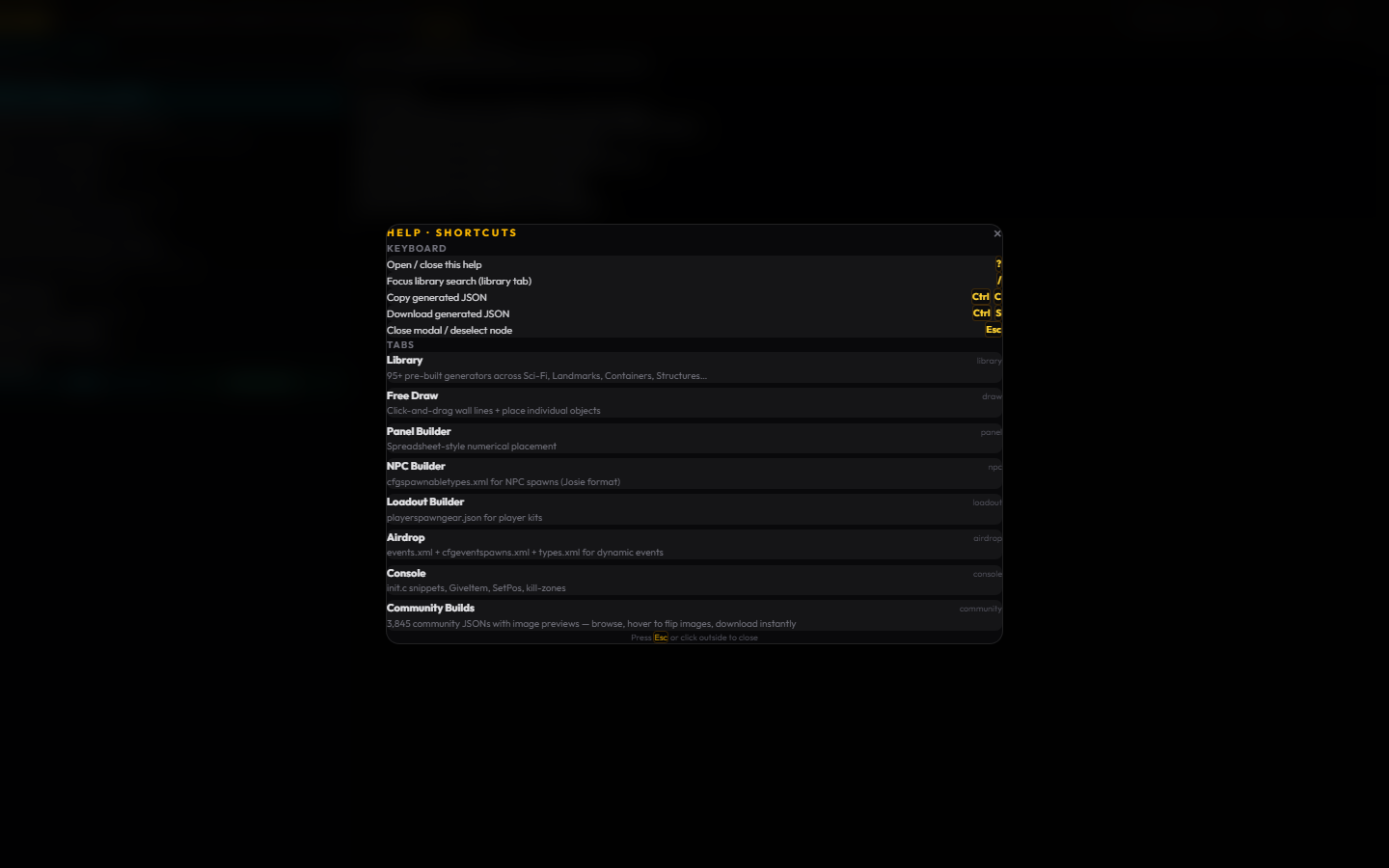
06 · Resolve
Help without a context switch
The help surface demonstrates guidance inside the product, so the operator can keep their place while finding the next step.
Ready to put AI to work in your business?
Book a free, no-pressure discovery call. We'll find where AI and automation save you time and win you work — then show you exactly what we'd build.
No obligation · UK-based · Usually replies within hours